How to Sign Up for Kalshi
 Ryan Bajollari
A 5-minute walkthrough of creating a Kalshi account, verifying your identity, and funding it. Everything you need before deploying your first Turbine bot.
Before your Turbine bot can place a single order, it needs a Kalshi account to trade through. Kalshi is the regulated US prediction market exchange where your bot will execute. This guide walks you through the signup, identity verification, and funding steps. Most people finish the whole thing in 5 minutes.
Step 1: Sign up with your favorite method
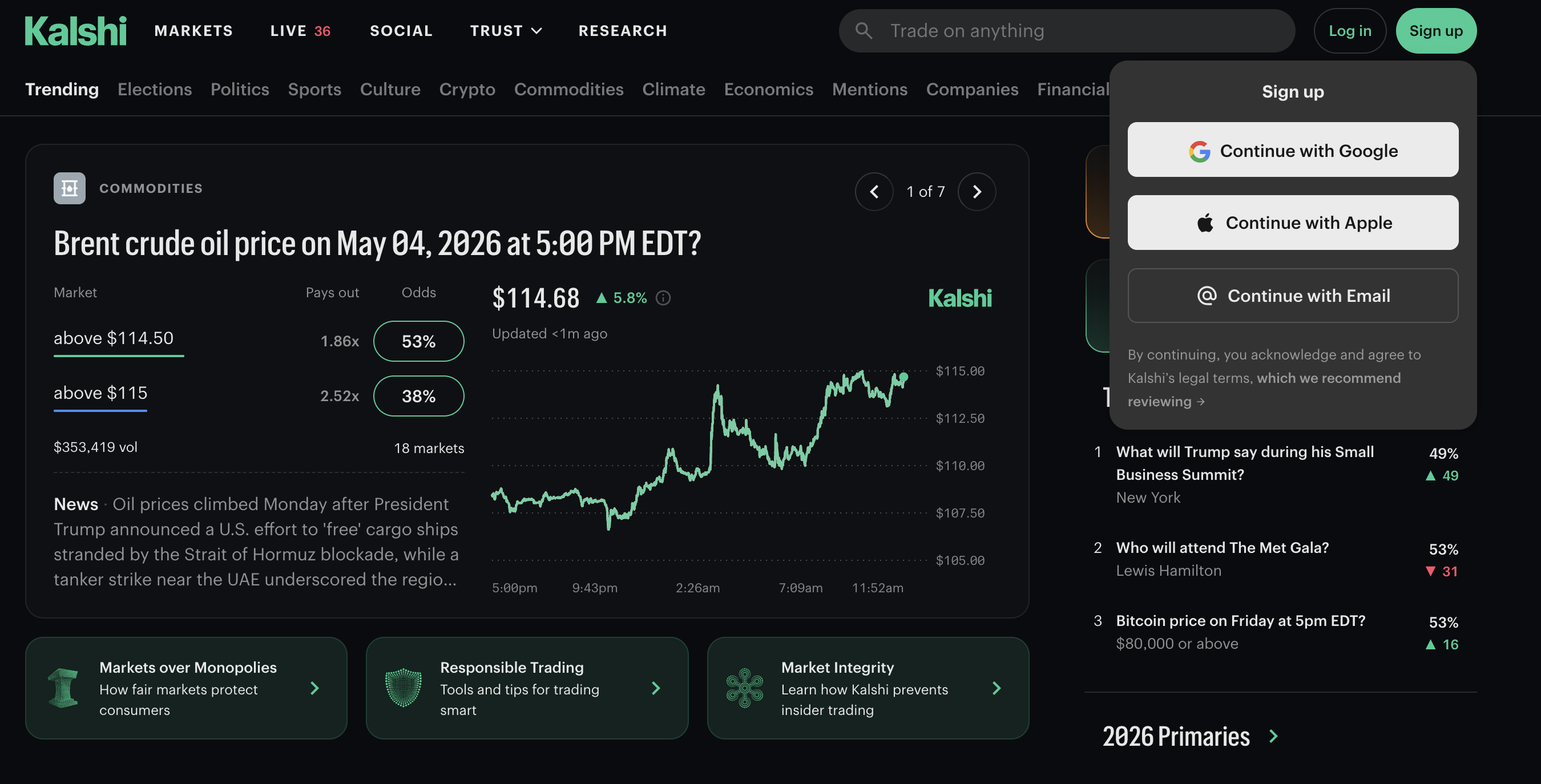
Head to kalshi.com and click "Sign up" in the top right (or go directly to kalshi.com/sign-up). Kalshi lets you sign up with Google, Apple, or email. Pick whichever you prefer. If you go the email route, use one you actually check; Kalshi sends a verification link before letting you do anything else.
Step 2: Verify your identity
Kalshi is regulated by the CFTC, so they need to verify who you are before you can trade. You'll provide your SSN and a photo of a government ID. Standard for any exchange. The verification usually takes 2 to 3 minutes; in rare cases it can take a few hours if Kalshi needs a manual review.
Step 3: Fund your account
Add a bank account (ACH) or debit card. ACH transfers are free but take 1 to 3 business days. Debit card deposits are instant but Kalshi charges a small fee. Even $20 is enough to start, and you can always add more later.
Step 4: You're done
Once your funds clear, head back to the Turbine wizard. The next step shows you how to grab your API keys so your bot can place orders.