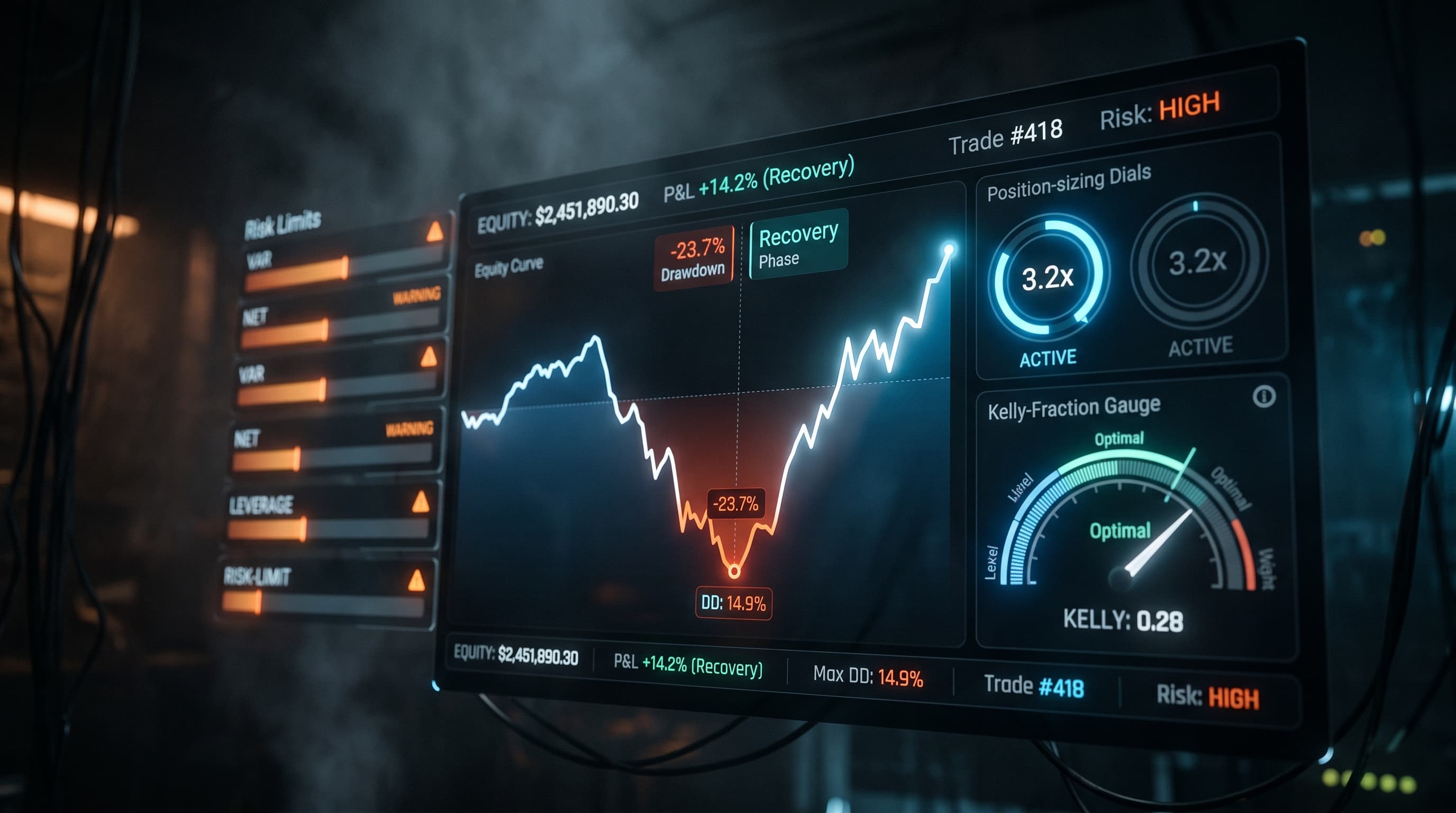
Does Kalshi Have a Stop Loss? Auto Sell, Resting Orders and Sports Stops (2026)
 Ryan Bajollari
Kalshi Auto Sell is a take-profit: a resting sell that can't go below what you paid. There's no stop-loss on event contracts, sports included. Here's how to add one.
No. On Kalshi's event contracts, sports games included, there is no stop-loss or trigger order: Kalshi's Auto Sell is a take-profit, a resting limit sell whose price can't be set below what you paid. Stop-loss and take-profit triggers exist only for Kalshi Perps, its margin product, not for the YES/NO contracts you trade on a game.
So if you buy a team at 60¢ and want out at 50¢, Kalshi won't do it for you. You either watch the game and sell by hand, or you run software that watches the price and sells for you. This guide covers what Auto Sell does, the resting-order gotchas, why any stop is a request rather than a guaranteed price, and how a TurbineFi Bot adds a stop to each buy.
Add a Stop to a Kalshi Bot · Read the Per-Fill Exit Reference
Not investment advice. Prediction markets carry risk: event contracts can lose their full cost, and no stop or Bot guarantees an exit price.
Kalshi exit tools at a glance
| Tool | Where | What it does | Can it cap a loss? |
|---|---|---|---|
| Auto Sell (take profit) | Event contracts, including sports | Rests a limit sell at a target you pick, at or above your purchase price | No. The lowest target is your purchase price |
| Limit sell you place yourself | Event contracts | Rests a sell at any price you choose until it fills or you cancel it | No. A sell below the market fills now; it doesn't wait for a drop |
| Take profit and stop loss (TP/SL) | Kalshi Perps only | Closes a perps position when the price reaches a level you set | Yes, for perps positions only |
| A Bot with a stop rule | Event contracts, through your own API key | Checks the bid on a loop and sends a sell when it falls to your stop | Yes, at the bid it finds, which can be below the stop |
What "auto sell if you're up" means on Kalshi
After a buy fills, Kalshi may ask whether you want to set up an automatic sell at a higher price. You drag a slider to a target and submit it. From then on, Kalshi's help page describes it this way:
- It is a resting limit sell. "The order rests on the exchange, so it can fill even when the app is closed," and it "appears under Orders as a resting limit sell."
- It only goes up. "The lowest target you can choose is at or above your purchase price." That is why it can take profit but can't stop a loss.
- It can fill in pieces. "It can fill partially if there are not enough buyers at your target," so you may still hold part of the position.
- You can change it. You can move the price or cancel it under Orders any time before it fills.
For a live-game trader who buys a dip and wants out around 90¢, Auto Sell handles the upside. Nothing on Kalshi's side handles the downside.
The resting-order gotchas
A resting order is an order that sits on Kalshi's order book until someone trades against it. Kalshi's limit order page uses the term for unfilled orders "left as resting orders on the orderbook." Auto Sell is one. Any limit buy below the current ask is another. Three things catch sports traders:
- A resting sell can't become a stop. If you place a limit sell below the current bid, it doesn't wait for the price to fall: it trades right away at the best bid or better. A "sell if it drops to 50¢" order doesn't exist on event contracts.
- A pregame order keeps resting after kickoff. Kalshi doesn't cancel your resting orders when the game starts. A bid you left at 55¢ before tip-off can fill during a run against your team, at the moment you least want it. Cancel it yourself, or give it an expiration time through the API.
- A manual sell can confuse a Bot. If a Bot bought the contracts and you also set an Auto Sell on them, the Auto Sell can sell contracts the Bot is tracking. A TurbineFi Bot then sees fewer contracts than it bought, logs "entry lots disagree with account holdings", and stops opening new positions in that market until it matches again. Let one tool manage each position.
Why a stop requests an order and doesn't guarantee a price
A stop-loss, on any venue, is a rule that says "when the price falls to X, sell." What it sends is an order at whatever price the market offers next. On a live game, that price can be far from X.
In-game Kalshi books can be thin and they move in jumps. A touchdown, a goal, or a run of threes can move the bid 10¢ or more between two price checks. A stop set 10¢ under your cost does not mean you lose 10¢. It means you try to sell once the bid has fallen at least 10¢, and you take the bid that is there.
A TurbineFi Bot's per-fill stop works this way, according to its reference:
- It is checked on a loop, not resting. The Bot reads the bid once per loop, every 10 seconds in most sports templates. A price that passes through between loops can be missed.
- It sells at the current bid. When the bid is at or below the fill price minus the offset, the Bot sends an immediate-or-cancel sell at the current bid, rounded down to a valid price. If the bid has gapped past your stop, the sale is below the stop.
- It can fill partly or not at all. If there aren't enough buyers, the unfilled part is tried again on the next loop while the stop condition still holds.
- No bid, no stop. A missing bid never triggers a stop, so an empty book leaves you holding.
Hypothetical example, not a trading result: you buy at 62¢ with a 10¢ stop. The stop triggers at a bid of 52¢ or lower. If the bid falls from 55¢ to 44¢ between two loops, the Bot sends its sell at 44¢, and your loss before fees is about 18¢ a contract, not 10¢.
A stop still does something useful in that case. It caps how long you hold a losing position, and it acts without you watching the game. It just can't promise the price.
How a TurbineFi Bot adds a per-fill stop
TurbineFi Bots run on your own Kalshi API key and can attach exits to each buy. In a Kalshi custom strategy, a sell_yes rule with entry_stop_loss_offset sells each buy (each lot) once the bid falls that far below the price that lot paid. A rule with entry_profit_offset sells it once the bid rises that far above. Each lot uses its own fill price, never an average cost, and the Bot only manages contracts it bought itself.
Sports example: the Stop and Target template
Studio's sports templates include Stop and Target, written for exactly this gap. When you pick a game and a team, it:
- buys the team once, at or below its price when you picked the game,
- sells once the bid is 10¢ above what it paid (a smaller target when the price is close to 99¢),
- sells if the bid falls 10¢ below what it paid.
It reads only the market price, so it runs on any Kalshi game, not just the sports that have live score data. Studio suggests it only for a team priced at 95¢ or less, since above that there is little room left for a target. Here it is filled in for a team bought at 62¢, using the market from our sports data reference:
version: 1
platform: kalshi
strategy: custom
strategy_name: "Stop and Target"
market:
  ticker: KXNFLGAME-26OCT18ARILAR-LAR
risk:
  max_position: 100
  price_floor: 0.03
  price_ceiling: 0.99
  max_entries_per_market: 1
  max_notional: 100
loop:
  interval: 10
rules:
  - name: stop_loss  # sells the buy at the bid once the bid is 10c below what it paid
    when:
      all:
        - {field: yes_position_size, op: ">", value: 0}
    action: sell_yes
    entry_stop_loss_offset: 0.10
  - name: take_profit  # sells the buy once the bid is 10c above what it paid
    when:
      all:
        - {field: yes_position_size, op: ">", value: 0}
    action: sell_yes
    entry_profit_offset: 0.10
  - name: buy_once  # one buy at or below 62c
    when:
      all:
        - {field: position_size, op: "==", value: 0}
        - {field: order_count, op: "==", value: 0}
        - {field: yes_best_ask, op: "<=", value: 0.62}
    action: buy_yes
    size: 100
The stop and the target are separate rules, and they sit above the buy, so an exit wins when both could fire. Change the offsets in chat ("make the stop 6¢ and the target 25¢") or on the Config tab. To hold for a take-profit near 90¢ instead, raise entry_profit_offset until fill price plus offset lands there.
If you'd rather combine the stop with game state, the other sports templates read Kalshi's live score and clock for football, basketball, hockey and soccer. Range Swing and Panic Fade sell a team that is down by more than a score with 5 minutes left, which works as a game-state stop. See the Kalshi sports bot page for all five templates.
Test it before real money
A strategy that reads the live score or clock has no past games to replay, so it starts as a Paper Run: the Bot follows a live game and simulates its orders against the live book without sending them to Kalshi. A Paper Run also shows you how often the stop fires, and how far below the stop it sold, on the games you actually trade. Paper fills are simulated, so live fills can be worse.
What about the Kalshi API?
The API has the same gap. Kalshi's Create Order request for event contracts takes a price, a size and a time in force (fill-or-kill, good-till-canceled or immediate-or-cancel), plus options such as an expiration time and reduce-only. It has no stop price or trigger field.
Two API features sound close but aren't stops:
- Order groups cap how many contracts a group of orders can match in a rolling 15-second window. When the cap is hit, Kalshi cancels the group's orders. That limits a burst of fills, not a price.
- Exit triggers (stop-loss, take-profit and trailing stops) are in Kalshi's margin API, for Perps positions only.
To stop out of an event contract through the API, your code has to watch the bid and send the sell itself. That is the loop a Bot runs for you.
FAQ
Does Kalshi have a stop loss?
Not on event contracts, sports included. Kalshi offers Auto Sell, a take-profit that rests a limit sell at or above your purchase price. Stop-loss and take-profit triggers exist only for Kalshi Perps positions. To stop out of a game contract, you sell by hand or run a Bot that sells when the bid falls to your stop.
How do I set a stop loss on Kalshi?
You can't set one inside Kalshi for an event contract. You can set an Auto Sell for the upside, then either watch the price and sell yourself or deploy a Bot with a stop rule. In TurbineFi, the Stop and Target sports template buys once and sells if the bid falls 10 cents below what it paid, and you can change that offset.
Does the Kalshi API have a stop loss order?
Not for event contracts. The Create Order request has a price, a size, a time in force and options like expiration and reduce-only, but no stop or trigger price. Order groups cancel orders after a contract-count limit, not a price. Exit triggers with stop-loss and take-profit exist only in the margin API for Perps.
What does Auto Sell mean on Kalshi?
Auto Sell is Kalshi's take-profit. After a buy fills, you can pick a target price at or above what you paid, and Kalshi rests a limit sell there. It can fill while the app is closed, can fill in part if there aren't enough buyers, and can be changed or cancelled under Orders until it fills.
Can you set a stop loss on a Kalshi sports contract?
Not with a Kalshi order. Sports games are event contracts, which have no stop order. A Bot can add one: it checks the bid every loop and sells once it falls to your stop. In a fast game the sale can land below the stop, because the Bot sells at the bid it finds.
What is a resting order on Kalshi?
A resting order is a limit order that hasn't filled and is waiting on the order book. Auto Sell targets and limit buys below the ask both rest. A resting order stays until it fills or you cancel it, so a pregame bid can still fill after the game starts unless you cancel it or set an expiration.
Does a stop loss guarantee my exit price?
No. A stop decides when to sell, not the price you get. A TurbineFi Bot sells at the current bid once its stop triggers, and in a thin in-game book that bid can be well below the stop, or the sell can fill only in part.